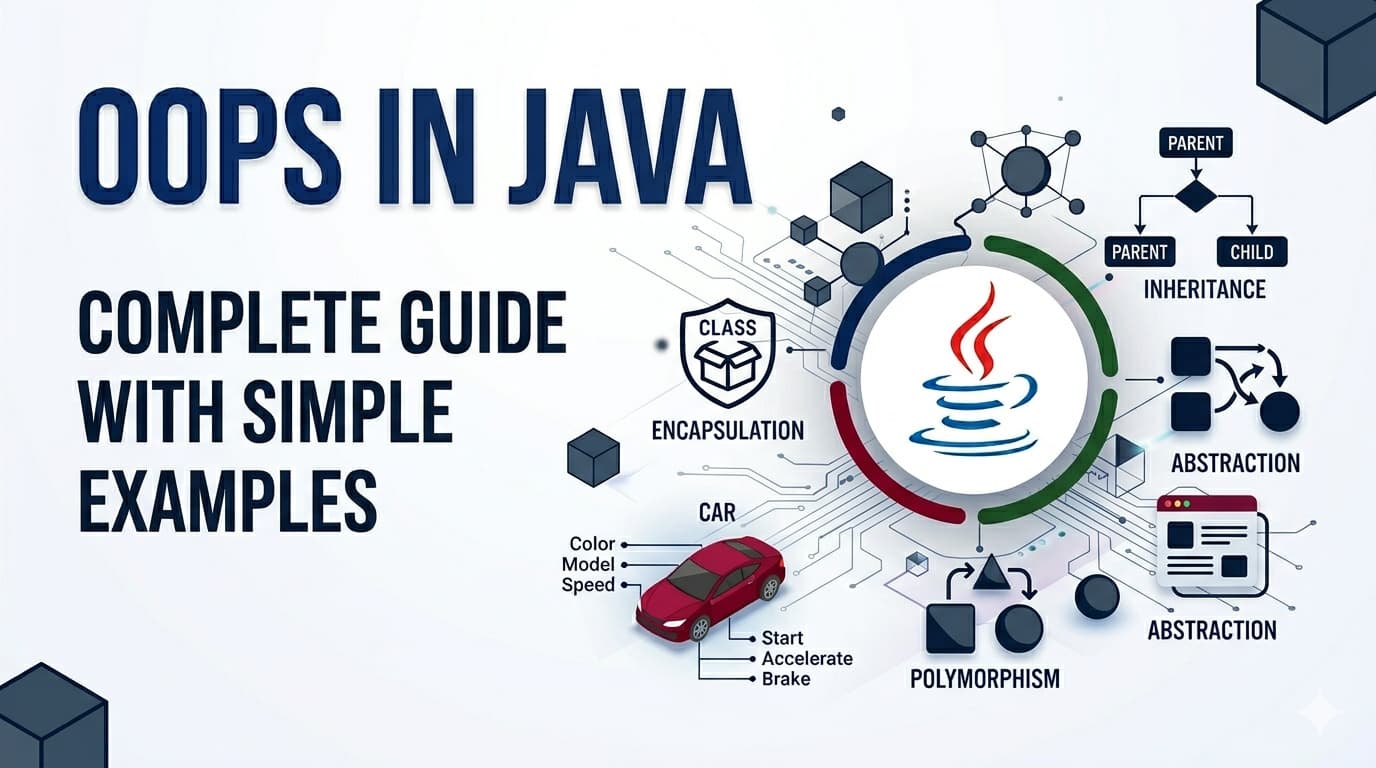
Introduction
Object Oriented Programming — or OOPs — is the foundation of Java. Almost every Java program you will ever write or read is built around OOPs concepts. The good news is these concepts are not complicated at all. They are actually modeled after how we think about real life things.
By the end of this article you will understand every core OOPs concept clearly — not just enough to answer interview questions, but enough to actually use them confidently in your code.
What Is Object Oriented Programming?
Before OOPs, programmers wrote procedural code — a long sequence of instructions executed top to bottom. As programs grew bigger, this became a nightmare to manage. You could not organize related data and behavior together, reuse code cleanly, or model real world things naturally.
OOPs solved this by organizing code around objects — just like the real world is organized around things. A car, a person, a bank account — each is a thing with properties and behaviors. OOPs lets you model these things directly in code.
Java is a purely object oriented language (almost everything in Java is an object). That is why understanding OOPs is not optional in Java — it is essential.
Class — The Blueprint
A class is a blueprint or template. It defines what properties and behaviors an object of that type will have. The class itself is not an actual thing — it is just the design.
Think of a class like an architectural blueprint of a house. The blueprint is not a house. But from one blueprint you can build many houses.
Car is the blueprint. It defines that every car has a brand, color, speed, and can accelerate and brake. No actual car exists yet — this is just the design.
Object — The Real Thing
An object is an actual instance created from a class. When you create an object, you are building a real house from the blueprint.
car1 and car2 are two different objects from the same Car blueprint. Each has its own data but shares the same structure and behaviors.
Constructor — The Object Initializer
A constructor is a special method that runs automatically when an object is created. It is used to set initial values.
The this keyword refers to the current object — it distinguishes between the parameter brand and the object's field brand.
The Four Pillars of OOPs
Everything in OOPs builds on four core concepts. These are what interviewers ask about and what real code is organized around.
Pillar 1: Encapsulation — Wrapping and Protecting Data
Encapsulation means bundling data (fields) and the methods that work on that data together in one class — and controlling access from outside.
Think of a capsule pill. The medicine inside is protected by the outer shell. You do not mess with the medicine directly — you just swallow the capsule.
In Java, encapsulation is achieved using access modifiers (private, public) and getters/setters.
Why encapsulation matters: Without it, anyone could set balance = -999999 directly. With it, you control exactly how data can be changed — protecting your object's integrity.
Pillar 2: Inheritance — Reusing Code Through Parent-Child Relationship
Inheritance allows one class to acquire the properties and behaviors of another class. The child class gets everything the parent has and can add its own things on top.
Think of it like genetics. A child inherits traits from their parents but also develops their own unique characteristics.
In Java, inheritance uses the extends keyword.
super() calls the parent class constructor. super.methodName() calls a parent class method.
Why inheritance matters: You write eat() and sleep() once in Animal and every animal class gets them for free. No repetition, clean organization.
Pillar 3: Polymorphism — One Interface, Many Forms
Polymorphism means the same method name behaves differently depending on the object calling it. It comes in two flavors.
The word itself means "many forms" — same action, different results based on who is doing it.
Think of a "speak" command given to different animals. You tell a dog to speak — it barks. You tell a cat to speak — it meows. Same command, different behavior.
Method Overriding (Runtime Polymorphism)
A child class provides its own version of a method already defined in the parent class.
Same makeSound() call on an Animal reference — but the actual behavior depends on what the object really is at runtime. That is runtime polymorphism.
Method Overloading (Compile-Time Polymorphism)
Same method name, different parameters in the same class.
Java decides which version to call at compile time based on the argument types and count.
Pillar 4: Abstraction — Hiding Complexity, Showing Essentials
Abstraction means showing only the necessary details to the user and hiding the internal complexity. You expose what something does, not how it does it.
Think of driving a car. You know the steering wheel turns the car and the pedal accelerates it. You do not need to know how the engine combustion works internally. The complexity is hidden — only what you need to use is exposed.
Java achieves abstraction through abstract classes and interfaces.
Abstract Class
An abstract class cannot be instantiated directly. It can have abstract methods (no body — child must implement) and regular methods (with body).
Interface
An interface is a 100% abstract contract — it only defines what methods a class must have, with no implementation (in older Java). A class can implement multiple interfaces.
Key difference between abstract class and interface:
A class can extend only one abstract class but can implement multiple interfaces. Use abstract class when classes share common code. Use interface when you want to define a contract that unrelated classes can follow.
Access Modifiers — Quick Reference
Access modifiers control who can access your class members:
| Modifier | Same Class | Same Package | Subclass | Everywhere |
private | ✅ | ❌ | ❌ | ❌ |
default | ✅ | ✅ | ❌ | ❌ |
protected | ✅ | ✅ | ✅ | ❌ |
public | ✅ | ✅ | ✅ | ✅ |
General rule — make fields private, make methods public unless there is a reason not to. This is encapsulation in practice.
Quick Summary — All OOPs Concepts in One Place
Class — Blueprint/template that defines structure and behavior
Object — Real instance created from a class using new
Constructor — Special method that initializes an object when created
Encapsulation — Bundle data and methods together, control access with private/public
Inheritance — Child class gets parent's properties and behaviors using extends
Polymorphism — Same method name behaves differently (overriding = runtime, overloading = compile time)
Abstraction — Hide complexity, show only essentials using abstract class or interface
FAQs — People Also Ask
Q1. What is the difference between a class and an object in Java? A class is the blueprint — it defines structure but does not exist in memory as a usable thing. An object is a real instance created from that blueprint using new. You can create many objects from one class, just like building many houses from one blueprint.
Q2. What is the difference between abstract class and interface in Java? An abstract class can have both abstract (no body) and concrete (with body) methods, and a class can extend only one. An interface traditionally has only abstract methods and a class can implement multiple interfaces. Use abstract class for shared code, interface for defining contracts.
Q3. What is the difference between method overriding and overloading? Overriding happens in a parent-child relationship — the child redefines a parent method with the same name and parameters. Overloading happens in the same class — same method name but different parameters. Overriding is resolved at runtime, overloading at compile time.
Q4. Why is OOPs important in Java? Java is built entirely around OOPs. Every piece of Java code lives inside a class. OOPs enables code reuse through inheritance, data protection through encapsulation, flexibility through polymorphism, and simplicity through abstraction — all essential for building large, maintainable applications.
Conclusion
OOPs in Java is not a collection of confusing terms — it is a natural way of thinking about and organizing code. Classes are blueprints, objects are real things, encapsulation protects data, inheritance reuses code, polymorphism provides flexibility, and abstraction hides complexity.
Once these four pillars feel natural, you will start seeing them everywhere — in every Java library, every framework, every codebase. That is when Java truly starts to click.