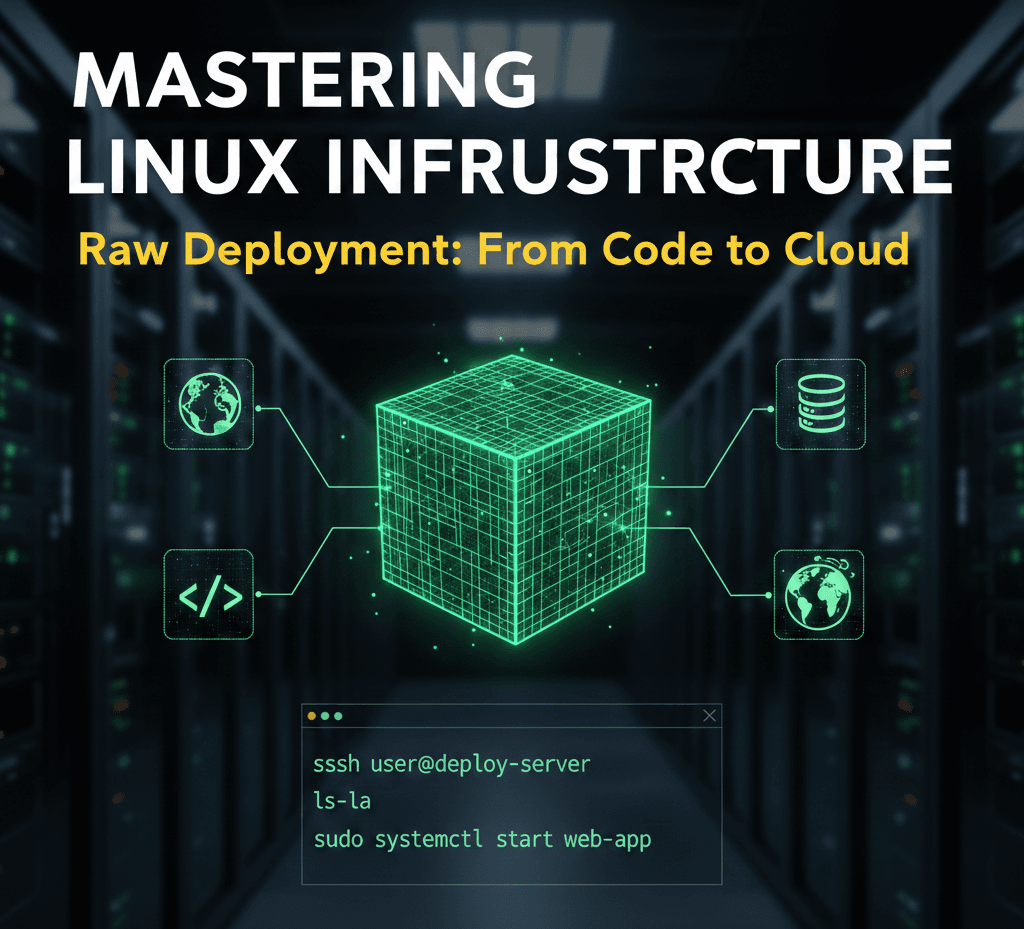
The transition from a local development environment to a production-ready server represents one of the most significant milestones in a developer's journey. While modern automated platforms offer seamless "one-click" deployments, they often abstract away the fundamental mechanics of the web. True technical autonomy is found in mastering the Linux process—the ability to configure, secure, and maintain the raw infrastructure that powers the modern internet.
The Architecture of Production
Standard development workflows typically involve local coding followed by a push to a version control system like GitHub. However, the professional landscape requires a deeper understanding of what happens beyond the repository.
At the core of this transition is the Virtual Private Server (VPS). Unlike a local machine, a VPS is a persistent, globally accessible environment. To deploy "raw" means to manually bridge the gap between your code and the server's operating system. This approach provides total control over the environment, allowing for custom optimizations and deep troubleshooting that automated tools cannot provide.
Remote Access and Environment Navigation
Interacting with a production server requires proficiency in SSH (Secure Shell), which provides a secure, encrypted tunnel to your remote machine. Once connected, the terminal becomes your primary interface.
Effective server management starts with high-visibility navigation. While basic commands are common knowledge, their professional application involves specific flags to reveal the true state of the system:
- Advanced Listing: Using
ls -lais essential for identifying hidden configuration files such as.envor.ssh, while also displaying ownership and permission metadata. - Path Validation: Frequent use of
pwd(Print Working Directory) ensures that administrative actions are executed in the correct context, preventing accidental modification of system files. - Structural Setup: Commands like
mkdirfor directory hierarchies andtouchfor file initialization are used to build the scaffolding required for the application runtime.
The Security Hierarchy: Users and Permissions
Security is the cornerstone of professional deployment. Linux utilizes a robust permission model to protect data integrity.
Privilege Escalation The "Root" user possesses absolute authority, which makes it a significant security risk if compromised. A professional deployment strategy involves creating a standard user and utilizing sudo (SuperUser Do) for administrative tasks. This creates an audit trail and prevents catastrophic accidental commands.
File Permissions and Ownership Every file and directory on a Linux system is governed by a set of permissions: Read (r), Write (w), and Execute (x).
- Chmod: This command modifies who can interact with a file. For instance, sensitive configuration files should be restricted so that only the application owner can read them.
- Chown: This manages ownership, ensuring that web servers (like Nginx or Apache) have the specific rights they need to serve files without granting them excessive system access.
Process Management and System Longevity
In a production setting, an application must exist as a persistent process that survives terminal disconnections and system reboots.
Real-Time Monitoring To maintain system health, developers must monitor resource allocation. Tools like top or the more visual htop provide real-time data on CPU cycles, memory consumption, and active processes. This allows for the identification of memory leaks or runaway scripts before they impact user experience.
Persistent Execution Unlike local development where a script might run in an active window, production applications are managed as background services. This involves configuring the system to treat the application as a "daemon"—a process that starts automatically on boot and recovers instantly if a crash occurs.
Log Analysis: The Developer's Diagnostic Tool
When a deployment fails, the terminal's output is often the only source of truth. Mastering the ability to read and "tail" log files is a non-negotiable skill. Using tail -f allows a developer to watch server logs in real-time, providing immediate feedback on incoming requests, database errors, or unauthorized access attempts.
Conclusion: Why the Raw Approach Prevails
While abstraction layers and automated deployment tools have their place in rapid prototyping, they cannot replace the foundational knowledge of Linux. Understanding the raw deployment process grants a developer three distinct advantages: Cost Efficiency, Infrastructure Independence, and Diagnostic Power. By learning to manage the server manually, you move from being a user of tools to an architect of systems.
The most effective way to internalize these concepts is through hands-on practice. Deploying a simple application on a raw Linux instance, configuring the firewall, and managing the application lifecycle manually is the definitive path to becoming a production-ready engineer.