Search Blogs

Showing results for "DevOps"

Found 2 results

My 2025 Year Rewind: Krishna Shrivastava

My 2025 Year Rewind: Krishna Shrivastava

My 2025 Builder Rewind: From Overthinking to Getting it Done2025 wasn't the year where everything suddenly worked out for me.No big announcements. No viral launches.But this was the year I stopped staying in perpetual learning mode and started building real things.Instead of waiting to be "ready," I shipped projects. Some were small, some were complex, and some broke more times than I expected — but every one of them taught me something real about what it actually takes to build software that works beyond localhost.Here's a rewind of what I built this year and why each one mattered.Brillicode — Online Code IDE & CompilerTry Brillicode →Brillicode is a browser-based code editor where you can write and compile code in multiple programming languages without setting up anything locally.I built this because environment setup is still one of the biggest blockers for beginners — and even experienced devs sometimes just want to test an idea quickly without spinning up Docker containers or installing dependencies.What this project taught me:Running untrusted user code is risky and complex. Sandboxing, resource limits, and security aren't nice-to-haves — they're critical from day one. One infinite loop could crash the entire server if not properly isolated.Edge cases are not actually edge cases. Syntax errors, empty inputs, massive files, concurrent requests — these happen constantly in production and need proper handling.This was my first real push beyond frontend thinking into building systems that need to handle unpredictable user behavior reliably.Mokai — Online Mock Test PlatformTake a Mock Test →Mokai is an online mock test platform where users can take role-based mock tests, track their test history over time, and compete using a leaderboard system.This wasn't just about creating another quiz app. I deliberately focused on things that are usually ignored in side projects but critical in production systems:Security — Never trusting client-side data blindly. Validation happens on the server, answers are verified server-side, and timing is controlled backend-first.Caching — Implementing smart caching strategies to reduce database load and improve response times without serving stale data.Fair and consistent test evaluation — Ensuring the scoring system works identically for all users regardless of network conditions or device performance.This project made one thing crystal clear to me: "It works on my machine" is not the same as "it works correctly for real users."Working on Mokai taught me about database optimization, proper API design, AI integration and why authentication/authorization patterns exist the way they do.Krido Studio — Code Writing Video GeneratorGenerate Your Video →Krido Studio turns plain code into professional code-writing videos:Paste your codeGenerate smooth typing animationAdd voice-over and customize timingExport and post directly to YouTube or social mediaI built this because creating coding content is harder than it should be. Screen recording, editing, syncing audio, re-recording when you make typos — it's all slow, manual, and exhausting.What made Krido challenging:Animation timing — Making the typing speed feel natural, not robotic. Too fast feels fake, too slow loses viewer attention.UX details that break easily if done wrong — Things like preview accuracy, progress indicators, and error messages when generation fails.A cool idea on paper, but way harder in execution — and that's exactly why it was worth building. Krido Studio attracted 100+ visitors organically and taught me that solving real creator pain points matters more than technical complexity.My First Mobile App — Calculator (React Native + Expo)Download APK → | GitHub →This was a simple calculator app built using React Native with Expo, packaged into a real APK and installed on actual Android devices.I didn't build this to innovate or disrupt the calculator market.I built it to understand mobile app development — from writing React Native code to generating a working APK that real people can download and use.What I learned:Mobile apps have their own constraints. Touch targets, screen sizes, keyboard behavior, app lifecycle — everything behaves differently from the web.Packaging and builds are real challenges. Gradle errors, dependency conflicts, signing certificates — the "boring" DevOps side of mobile is where beginners get stuck.Cross-platform doesn't mean zero platform knowledge. You still need to understand Android/iOS differences, even when using React Native.This project removed my hesitation around mobile development completely. Now I know that shipping mobile apps is very achievable, not some mystical separate skill tree.Karos — My First Published NPM PackageInstall: npm install karos → | GitHub → | BlogKaros is a Node.js utility package that standardizes API responses and error handling for Express applications.I built it because every backend project ends up doing the same thing manually:Different JSON response formats across routesInconsistent HTTP status codesMessy error handling with try-catch everywhereNo predictable structure for frontend developersInstead of rewriting the same wrapper functions again and again, I packaged it into a reusable library with TypeScript support and clean documentation.What publishing Karos taught me:Small, boring tools can still be valuable. Not every package needs to be a framework. Solving one specific pain point well is enough.Documentation matters more than clever code. If other developers can't understand how to use it in 2 minutes, they'll just write their own version.Shipping something is more important than perfect design. I can always publish v2 with improvements. Version 1 just needs to work and solve the core problem.Publishing Karos was a huge personal milestone — it's one thing to write code for yourself, another to write code that others trust enough to install in their projects.What This Year Actually ChangedThis year didn't make me an expert.But it did something more important.It forced me to:Stop hiding behind tutorials and actually finish what I startThink in terms of systems, not just features — considering failure modes, scale, and maintainabilityAccept that breaking things is part of building things — bugs aren't failures, they're feedbackShip imperfect products instead of perfect plans that never launchMost of what I built won't go viral — and that's completely okay.What matters is that I now understand how real projects behave in the real world: how users break assumptions, how systems fail under load, and how to recover gracefully when things go wrong.On to 2026Next year isn't about building more projects just to build them.It's about:Taking existing projects deeper (scaling Krido, improving Mokai's backend architecture)Contributing to open source beyond my own packagesWriting more technical content sharing what I've learnedFocusing on fewer things, but executing them at a higher levelIf you've been stuck in tutorial hell or afraid to ship something "not good enough yet" — this is your sign.Pick one idea. Scope it down brutally. Build it. Ship it. Learn from it.The version you release today will always teach you more than the perfect version that never leaves your localhost.Happy New Year 🎉Connect with me:📝 Read more on my blog: KodeSword💻 GitHub:Github Krishna Shrivastava🔗 LinkedIn: LinkedIn Krishna Shrivastava📦 NPM: NPM Pakcage KAROS📩 Contact me: Reach Out Me

YearInReview2025Rewind
Mastering the Linux Infrastructure: A Comprehensive Guide to Raw Deployment

Mastering the Linux Infrastructure: A Comprehensive Guide to Raw Deployment

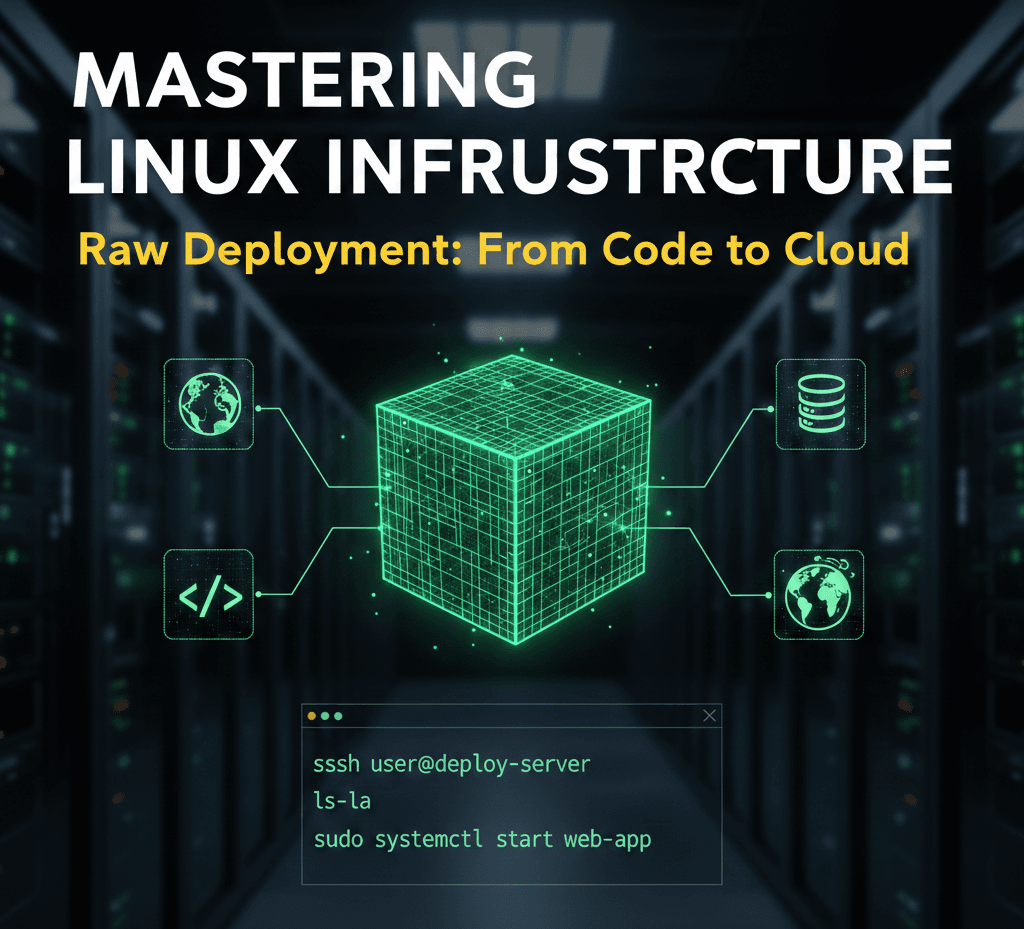
The transition from a local development environment to a production-ready server represents one of the most significant milestones in a developer's journey. While modern automated platforms offer seamless "one-click" deployments, they often abstract away the fundamental mechanics of the web. True technical autonomy is found in mastering the Linux process—the ability to configure, secure, and maintain the raw infrastructure that powers the modern internet.The Architecture of ProductionStandard development workflows typically involve local coding followed by a push to a version control system like GitHub. However, the professional landscape requires a deeper understanding of what happens beyond the repository.At the core of this transition is the Virtual Private Server (VPS). Unlike a local machine, a VPS is a persistent, globally accessible environment. To deploy "raw" means to manually bridge the gap between your code and the server's operating system. This approach provides total control over the environment, allowing for custom optimizations and deep troubleshooting that automated tools cannot provide.Remote Access and Environment NavigationInteracting with a production server requires proficiency in SSH (Secure Shell), which provides a secure, encrypted tunnel to your remote machine. Once connected, the terminal becomes your primary interface.Effective server management starts with high-visibility navigation. While basic commands are common knowledge, their professional application involves specific flags to reveal the true state of the system:Advanced Listing: Using ls -la is essential for identifying hidden configuration files such as .env or .ssh, while also displaying ownership and permission metadata.Path Validation: Frequent use of pwd (Print Working Directory) ensures that administrative actions are executed in the correct context, preventing accidental modification of system files.Structural Setup: Commands like mkdir for directory hierarchies and touch for file initialization are used to build the scaffolding required for the application runtime.The Security Hierarchy: Users and PermissionsSecurity is the cornerstone of professional deployment. Linux utilizes a robust permission model to protect data integrity.Privilege Escalation The "Root" user possesses absolute authority, which makes it a significant security risk if compromised. A professional deployment strategy involves creating a standard user and utilizing sudo (SuperUser Do) for administrative tasks. This creates an audit trail and prevents catastrophic accidental commands.File Permissions and Ownership Every file and directory on a Linux system is governed by a set of permissions: Read (r), Write (w), and Execute (x).Chmod: This command modifies who can interact with a file. For instance, sensitive configuration files should be restricted so that only the application owner can read them.Chown: This manages ownership, ensuring that web servers (like Nginx or Apache) have the specific rights they need to serve files without granting them excessive system access.Process Management and System LongevityIn a production setting, an application must exist as a persistent process that survives terminal disconnections and system reboots.Real-Time Monitoring To maintain system health, developers must monitor resource allocation. Tools like top or the more visual htop provide real-time data on CPU cycles, memory consumption, and active processes. This allows for the identification of memory leaks or runaway scripts before they impact user experience.Persistent Execution Unlike local development where a script might run in an active window, production applications are managed as background services. This involves configuring the system to treat the application as a "daemon"—a process that starts automatically on boot and recovers instantly if a crash occurs.Log Analysis: The Developer's Diagnostic ToolWhen a deployment fails, the terminal's output is often the only source of truth. Mastering the ability to read and "tail" log files is a non-negotiable skill. Using tail -f allows a developer to watch server logs in real-time, providing immediate feedback on incoming requests, database errors, or unauthorized access attempts.Conclusion: Why the Raw Approach PrevailsWhile abstraction layers and automated deployment tools have their place in rapid prototyping, they cannot replace the foundational knowledge of Linux. Understanding the raw deployment process grants a developer three distinct advantages: Cost Efficiency, Infrastructure Independence, and Diagnostic Power. By learning to manage the server manually, you move from being a user of tools to an architect of systems.The most effective way to internalize these concepts is through hands-on practice. Deploying a simple application on a raw Linux instance, configuring the firewall, and managing the application lifecycle manually is the definitive path to becoming a production-ready engineer.

LinuxWebDevelopmentDevOpsDeploymentServerManagementSystemAdministration
Ai Assistant Kas